CS-Cart: Strip HTML tags from company (Vendor) description
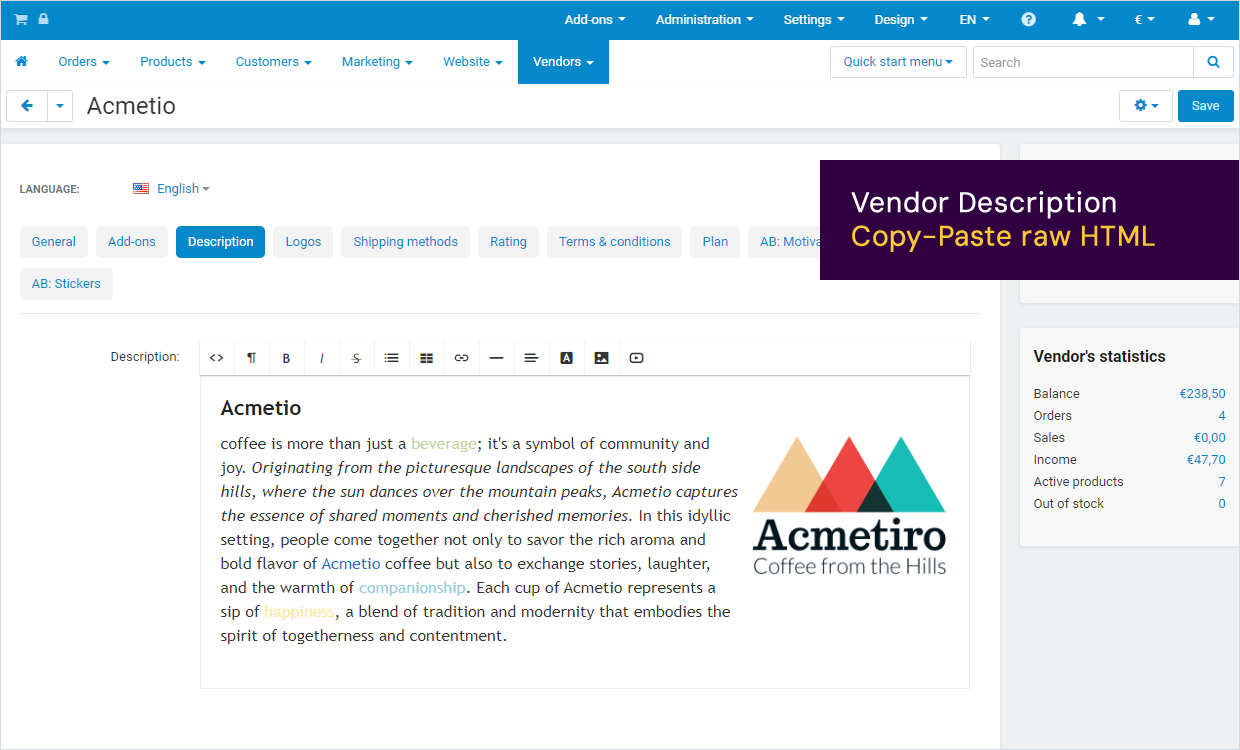
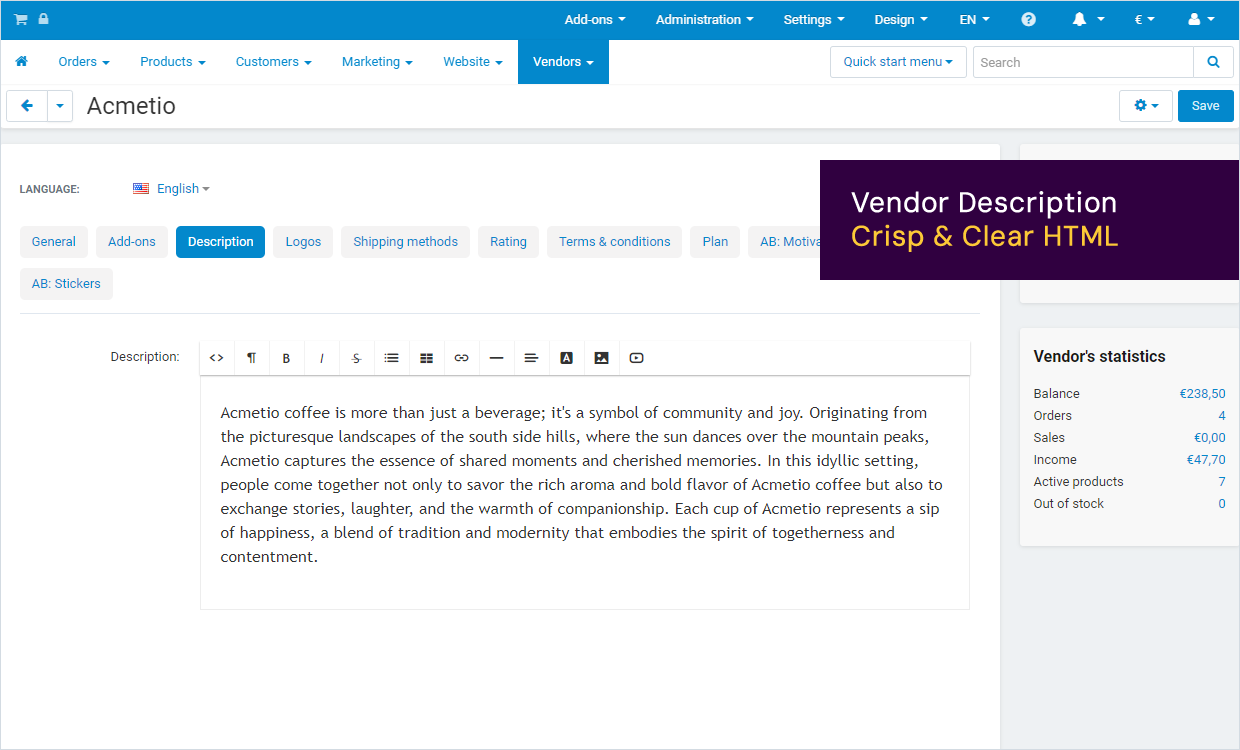
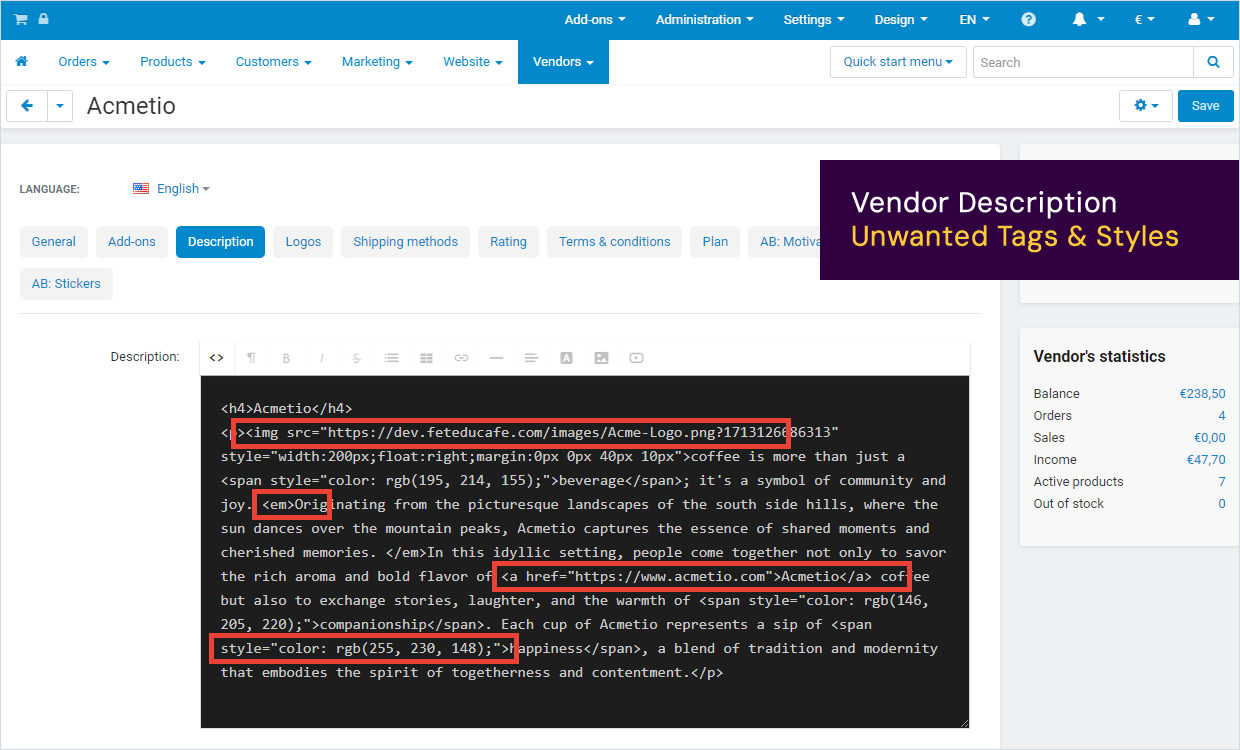
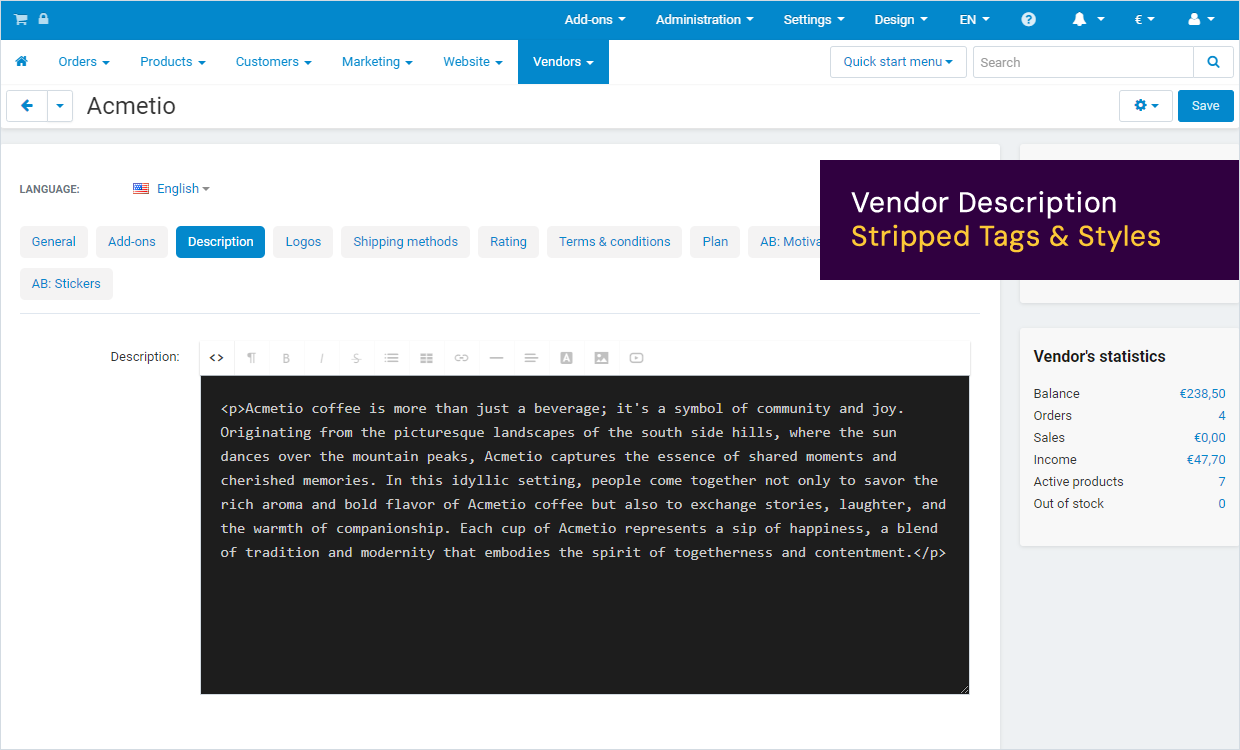
This add-on automatically strips unwanted HTML tags from Company (Vendor) descriptions. Vendors can copy-paste any text (including HTML formatting) to the compnay description. This add-on will automatically clean-up the source code. It removes all the unwanted HTML tags, while keeping the text intact, including the specified HTML tags like <p> and <b> for formatting. The add-on helps keeping a consistent layout based on your websites stylesheet. It prevents vendors adding links to third party websites or embedding inputs & textareas. The add-on also removes unwanted images and videos.
Get it on the CS-Cart Marketplace.
https://marketplace.cs-cart.com/strip-html-tags-from-company-vendor-description.html
Keep a consistent layout
- Strips all HTML tags from Vendor description
- Strips all attributes from allowed HTML tags
- Prevents links to third party websites
- Removes images
- Removes embedded videos
- Removes textarea’s or inputs
- Keep your layout & formatting crips & clear
- Maintain a consistent layout based on your stylesheet
Options
- Allowed HTML tags
Submit the HTML tags that you allow in product descriptions.
- Strip attributes from allowed HTML tags
Check this option if you want to strip all attributes from the allowed HTML tags.
Installation Instructions
- Installation
Follow the CS-Cart instructions to install this add-on to your CS-Cart environment. Installation is simple and easy.
- Configuration
Navigate to the add-on in your CS-Cart adminstration. Open the 'settings' tab.
A. Submit the HTML tags you want to allow in the source-code of the Vendor description. For example: Adding <p> or <h1> tags here will allow Vendors to format the text using only these HTML tags. By default these tags are allowed: <p> <h1> <h2> <br> <ol> <ul> <li> <b> & <strong>.
B. Select if attributes on allowed HTML tags should be stripped. For example: <h1 style=”font-size: 16px”> will be stripped to <h1> and <p class=”example”> will be stripped to <p> only.
- Edit Vendor descriptions
Navigate to any Vendor, select the Description tab in CS-Cart and copy-past a text from any website to the company description textarea. Click save. The add-on automatically removed al unwanted HTML tags from the description while keeping the original text intact.
Screenshots